TracksBuilder

Enter your setlist. Get a ready-to-run Ableton session.

Customize grouping, routing, and build settings around your workflow. Build in Session View or Arrangement View.

Free download · No credit card required

Requires macOS 13+ and Ableton Live 10.1, 11, or 12

The finished set

Ready to run
in Ableton.

Your complete set, grouped, routed, colored, and ready in the Ableton workflow you already use.

Session or Arrangement · Live 10.1–12 · Your template or ours
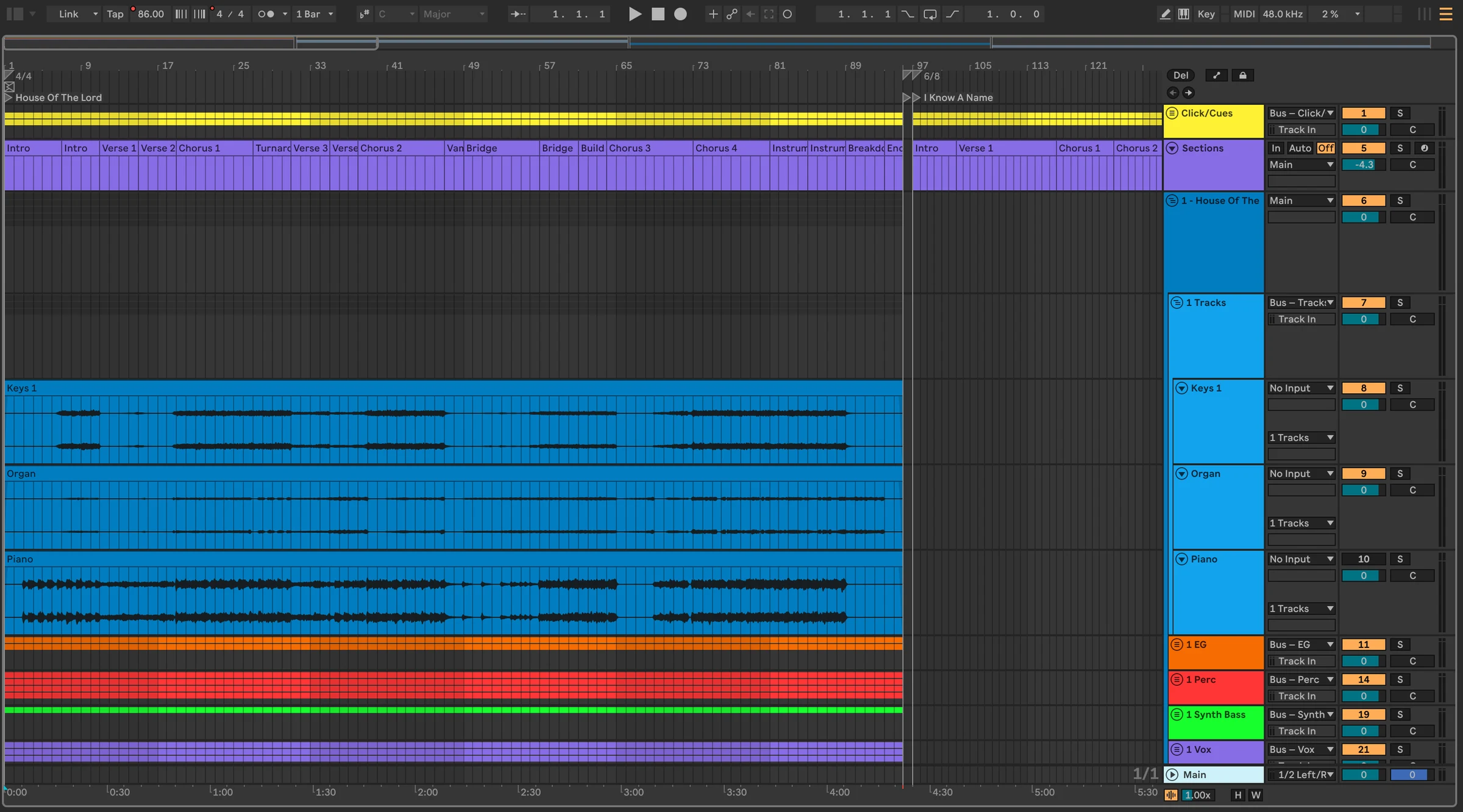
A complete, color-coded TracksBuilder set grouped across tracks in Ableton Live Arrangement View

Built around you

Your workflow
stays yours.

Build into your own template, routing, outputs, and playback workflow.
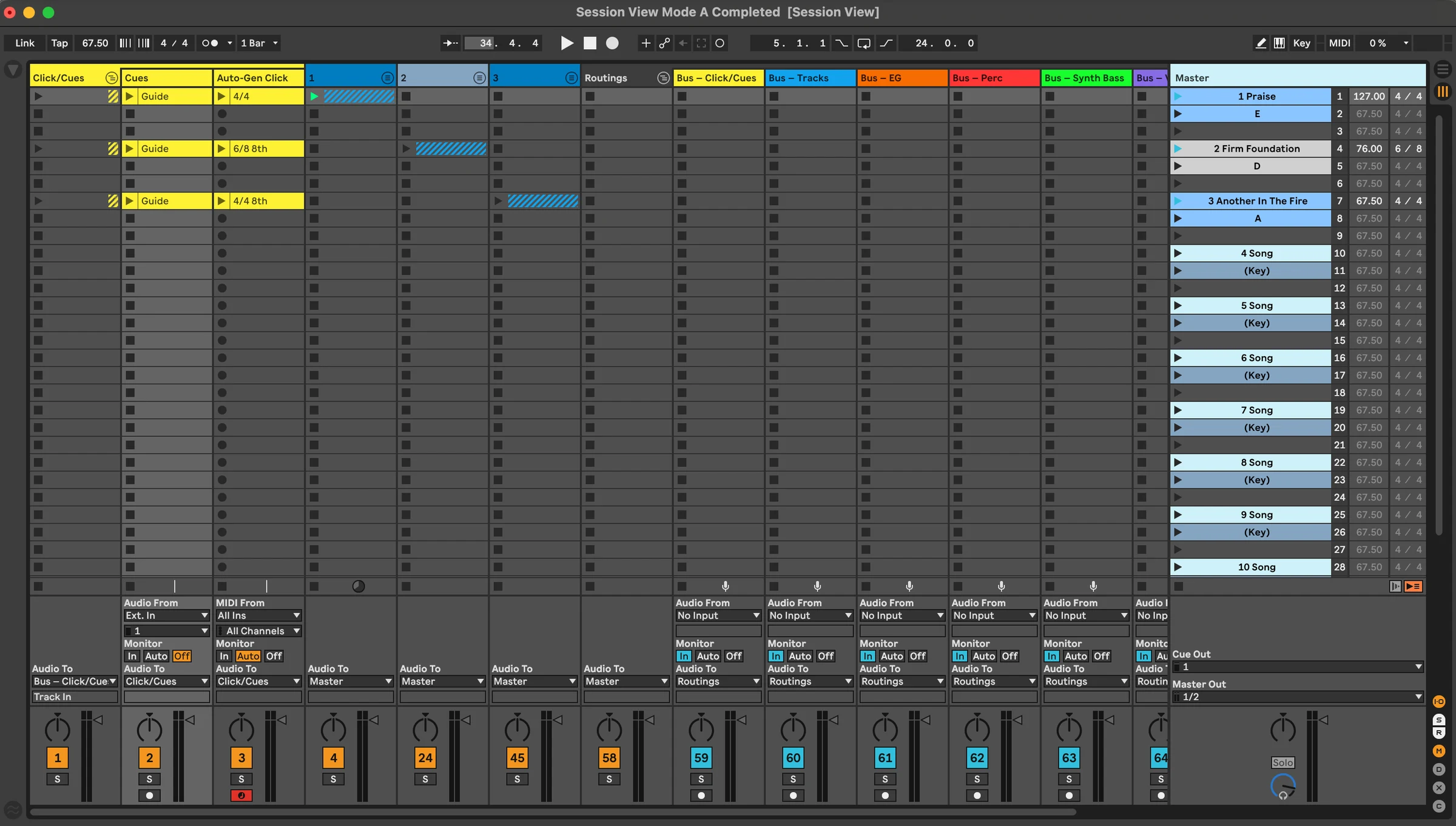
A TracksBuilder set in Ableton Live Session View with grouped tracks and song scenes

Room to go deeper

Simple when you want it.
Powerful when you need it.

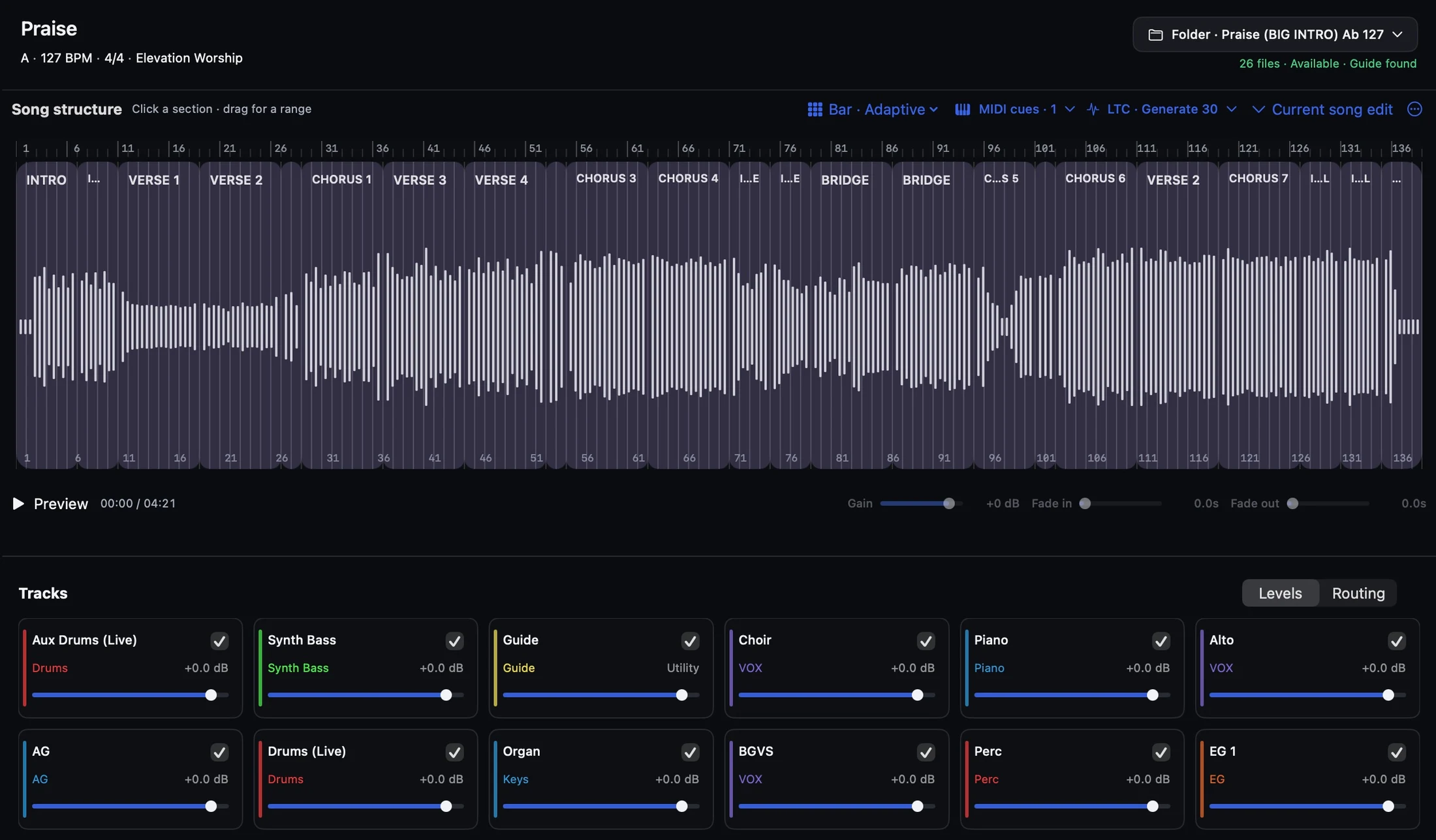
Sections · MIDI · LTC / SMPTE · Tempo

The TracksBuilder section editor showing song sections and playback settings

5 stars. Loved by worship teams using TracksBuilder

“TracksBuilder has been a game changer. Sunday sets that took hours to build are now so quick and easy.”

Leah Starks

Music Director · St. Louis, MO

“The build speed alone is a game changer, but when you add custom templates, routing flexibility, song editing, AbleSet integration, and Session or Arrangement View, it really separates itself.”

Atreyu “Trey” Singleton

Worship & Music Director · Relevant Church

“As the Pastor of my church, I also help with our worship team. Tracks Builder saves me hours of time that I can do more ministry with people and not just computer work!”

Pastor

Near Church

Unlimited builds. Simple plans.

Solo

For individual worship leaders

$15
/mo
  • Unlimited Ableton session builds
  • Session View and Arrangement View
  • Planning Center or manual setlists
  • Custom templates and routing
  • 1 device
Teams

For worship teams

$30
/mo

Everything in Solo, plus:

  • Up to 10 devices
  • Up to 10 team members
  • Team security controls
Enterprise

For larger churches and multi-campus organizations

Custom

Everything in Teams, plus:

  • 11+ users and devices
  • SSO
  • Organization-level controls
  • Enterprise support / deployment features

Free download · Trial starts when you sign in · No credit card required

Questions before you start?

Does TracksBuilder include stems?
No. TracksBuilder uses the multitrack files you already own or license and builds them into your Ableton session.
Can I use my existing Ableton template?
Yes. TracksBuilder can build around your existing template, including your groups, routing, outputs, MIDI configuration, and playback workflow.
Do I need Planning Center?
No. You can import a Planning Center plan or build from a manual setlist.
What do I need to run TracksBuilder?
TracksBuilder runs on macOS and requires Ableton Live. We currently support Live 10.1, 11, and 12.
How does the 14-day trial work?
Download TracksBuilder and sign in to begin your 14-day trial. No credit card is required, and you won’t be billed unless you add billing details.

More questions? Visit Support →

Start Free Trial - Automate Ableton Sessions | TracksBuilder | TracksBuilder