Ableton3 min read
5 Ableton Hacks Every Music Director Needs (Save Time + Sound Better)
Five practical Ableton workflow upgrades to speed up prep, reduce mistakes, and deliver cleaner stems to FOH.
Keegan Ryan
Music directors don’t need more plugins—they need faster, cleaner sessions that hold up under pressure.
In this article, we’ll walk through 5 practical Ableton workflow hacks you can apply today to save time, reduce mistakes, and make your playback rig feel “pro”.
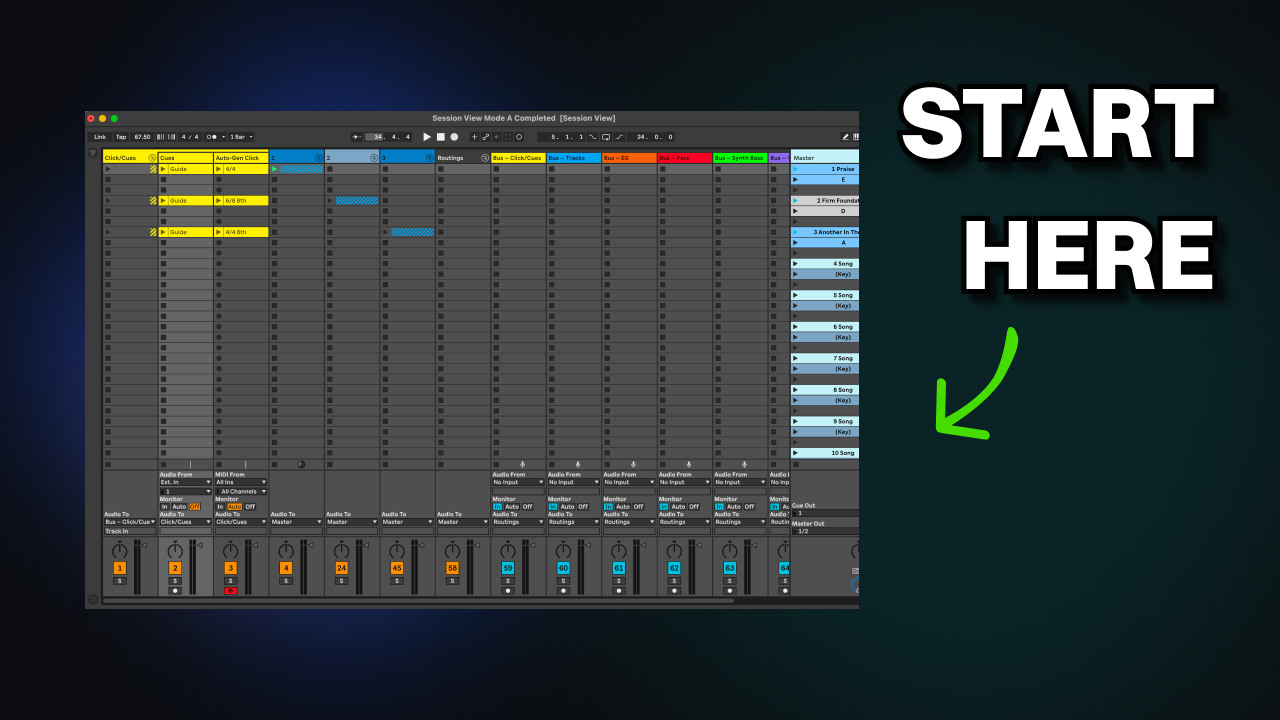
Hack 1: Session vs Arrangement
Session View and Arrangement View both work for playback — but they serve different kinds of teams.
Use Session View when:
- You rely on volunteers
- You need flexibility to loop sections or repeat a chorus
- You want a simple, grid-based layout that’s hard to mess up
Session View makes it easy to trigger scenes, follow the band, and recover if something goes off-script.
Use Arrangement View when:
- You want maximum control
- You’re running tightly arranged sets
- You need detailed automation and custom transitions
Arrangement View is ideal for advanced MDs who want precise builds, stops, drops, and transitions programmed ahead of time.
The key isn’t which is “better.” It’s choosing the one that matches your team and your service style.
Hack 2: Label & Group Like a Pro
If your session isn’t labeled and color-coded, you’re wasting time and creating unnecessary stress.
Every track should be:
- Clearly named
- Placed in a logical group
- Color-coded by instrument family
For example:
- Drums = Red
- Bass = Blue
- Guitars = Green
- Keys/Synths = Purple
- Click/Guide = Yellow
Grouping tracks (Drums, Guitars, Keys, BGVs, etc.) makes your session:
- Faster to navigate
- Easier to edit mid-rehearsal
- Much harder to break
This isn’t just for volunteers. Even experienced MDs forget where things live when pressure is high. A clean layout saves real time on Sunday morning.
Hack 3: Route Everything (Click/Guide/Band)
Proper routing is what separates amateur sessions from pro playback rigs.
Instead of sending individual tracks straight to outputs, route everything through buses:
- Drums Bus
- Guitars Bus
- Keys/Synths Bus
- Bass Bus
- BGVs Bus
- Click Bus
- Guide Bus
Then route each bus to its correct physical output.
Why this matters:
- FOH gets consistent stems
- You can process whole instrument groups at once
- Gain staging becomes simple
- Troubleshooting is way faster
Pro tip: Create dedicated audio return tracks for external outputs (Click, Guide, Band) so routing is centralized and easy to manage.
This makes your session scalable and FOH-friendly — especially across multiple campuses or engineers.
Hack 4: Master the Art of MIDI
MIDI is one of the most underused tools in church playback.
With MIDI, you can:
- Trigger scenes
- Turn tracks on/off
- Automate volume moves
- Control plugin parameters
- Fire macros and effects
Using a virtual MIDI driver (like IAC on Mac), you can map MIDI notes to almost anything in Ableton.
Common MD uses:
- One-button track mutes
- Automated builds and drops
- Scene changes from a controller
- Volume automation without drawing envelopes
This turns Ableton into a performance instrument — not just a playback machine.
Even basic MIDI mapping can dramatically reduce hands-on mixing during rehearsal and service.
Hack 5: Normalize Outputs (FOH loves you)
FOH engineers hate inconsistent track levels.
The fix: normalize your stems at the bus level.
On each instrument bus, use:
- Gain staging
- Light multiband compression
- Gentle bus compression
- A safety limiter
This ensures:
- Every song hits FOH at similar levels
- No surprise spikes
- Easier mixing for the engineer
Important: Make adjustments per song at the stem level — not globally. That way one loud percussion stem doesn’t affect every song in your set.
When MDs and FOH agree on target levels, your whole system becomes calmer, more predictable, and more professional.
Outro
If you want a proven starting point, grab the free Ableton worship template below.
It includes labeled tracks, routing, normalized buses, and MIDI-ready structure — so you can spend less time building sessions and more time leading well.
https://www.tracksbuilder.com/free-ableton-worship-template
Get the free Ableton worship template
Download the free template and speed up your playback workflow.