Ableton1 min read
Service-Ready Ableton Session Checklist (So Nothing Breaks on Sunday)
Get this free checklist to ensure tracks for Sunday are made right every time.
Keegan Ryan

If you run multitracks at church, the stress usually isn’t “building tracks”—it’s trusting the session.
Most problems show up right before rehearsal or Sunday morning:
- Wrong outputs (or the audio device changed)
- Warped tracks drifting
- Key changes not transposed
- A MIDI mapping that worked last week… but doesn’t now
That’s why I use a simple rule:
A multitrack session isn’t “ready” until it’s repeatable by someone else under pressure.
The Service‑Ready Checklist
I made a Service‑Ready Ableton Session Checklist you can run through in a few minutes before rehearsal.
Inside the checklist, you’ll verify:
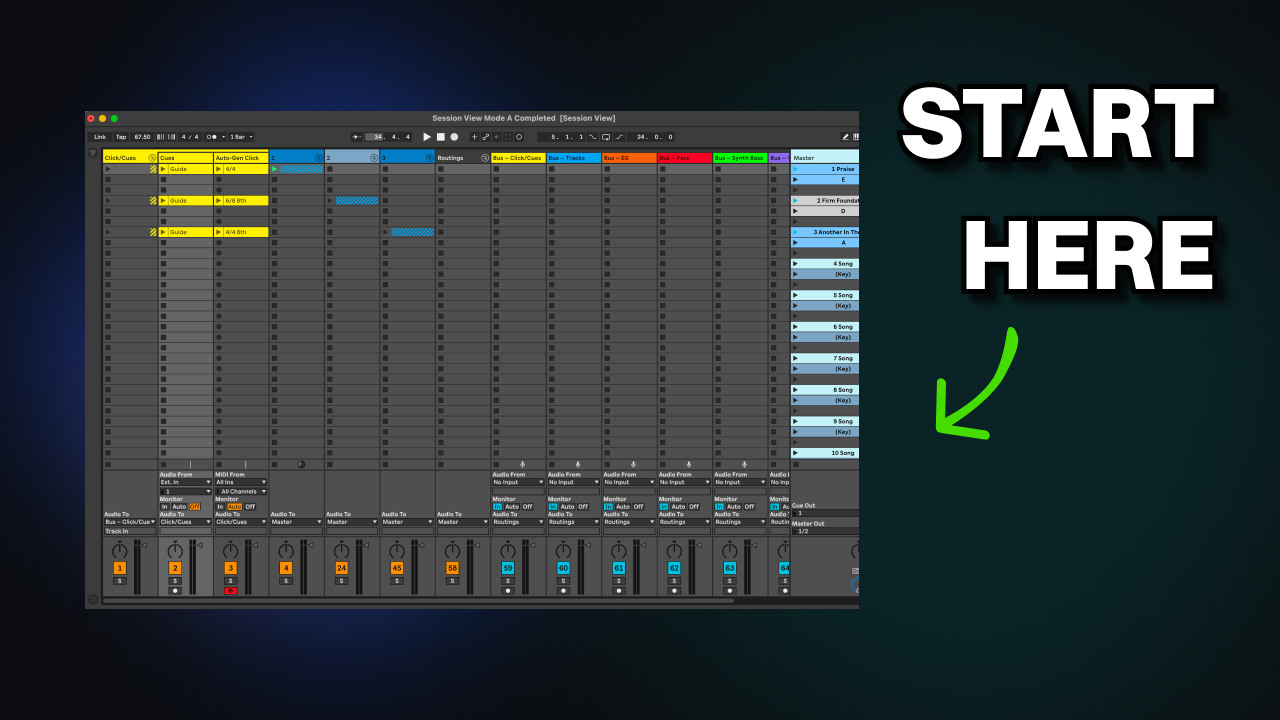
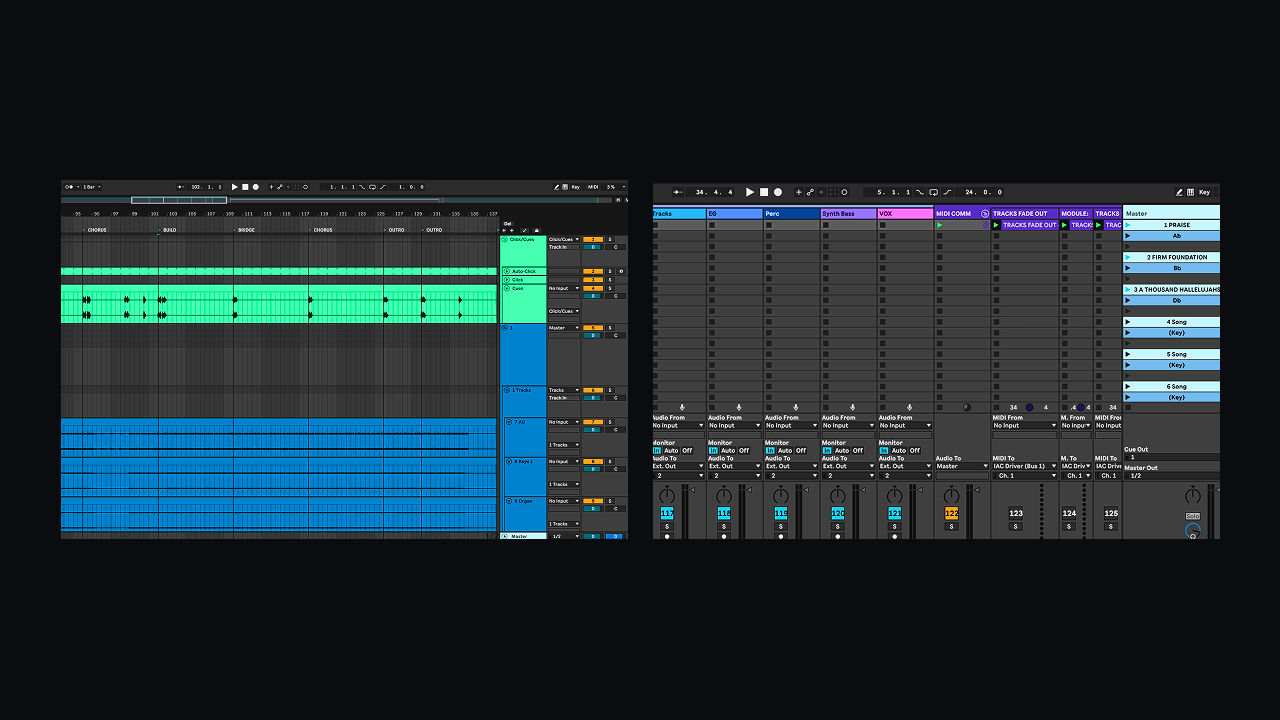
Routing
- Audio device + outputs are correct
- Track “Audio To” is correct for each stem group
- Click/guide/cues are separated from tracks
Tempo + Transposition
- Tempo/time signature per song is correct
- Warp mode + warp markers are stable
- Transpose is correct (and applied where it should be)
Key + MIDI mapping
- Keyboard/MIDI control works for each song
- Any critical mappings are re‑verified (start/stop, next locator, etc.)
MIDI for external devices
- ProPresenter / lighting / sync (if used) is still firing correctly
- Any routing to external MIDI devices is consistent per song
The final step (the one people skip)
Press play on every song. It’s obvious, but it saves services.
If you want the checklist, click Get Checklist below. It’s formatted as a clean one‑page reference you can keep on your desktop or print for your team.
Get the Service‑Ready Ableton Session Checklist
Download the one‑page checklist you can run before rehearsal.
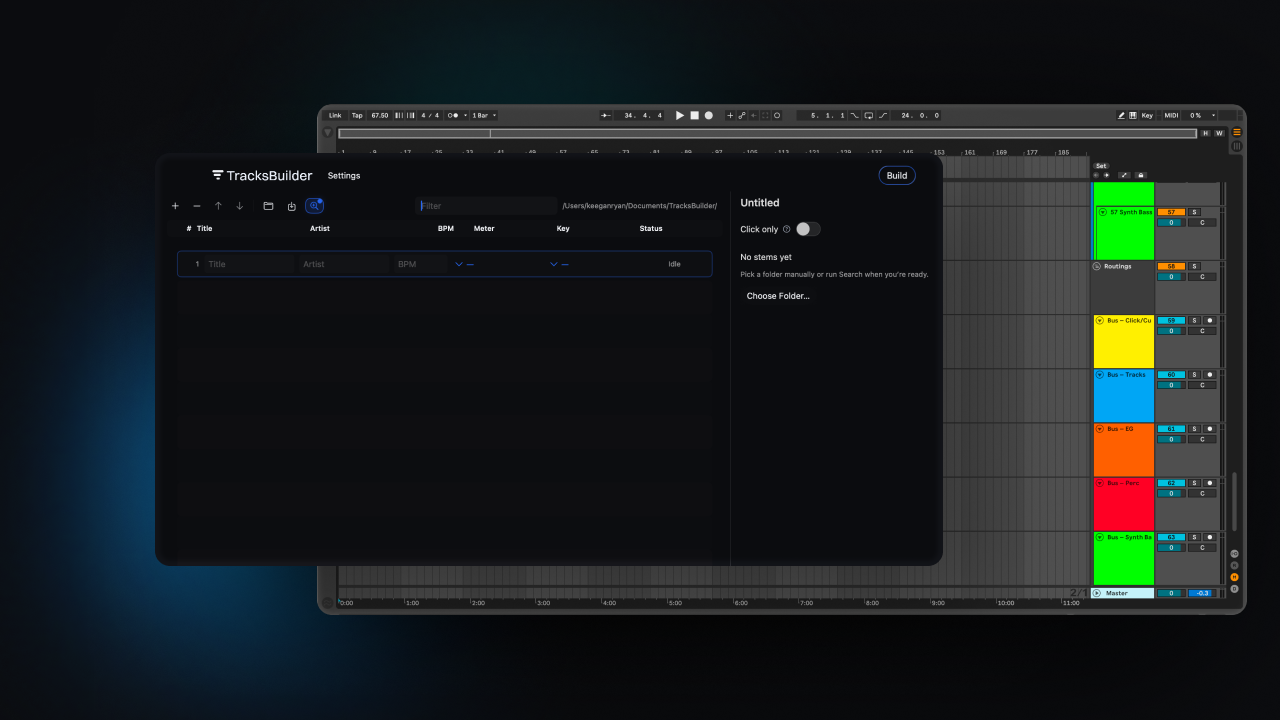
Discover how TracksBuilder changes how you run multitracks
Build ready-to-run Ableton sessions from your setlist in seconds - click, guide, markers, and routing included.