Ableton5 min read
The Fastest Way to Start Using Multitracks at Church
Get tracks running by Sunday with a simple setup, clear routing, and the right tools—no stress.
Keegan Ryan
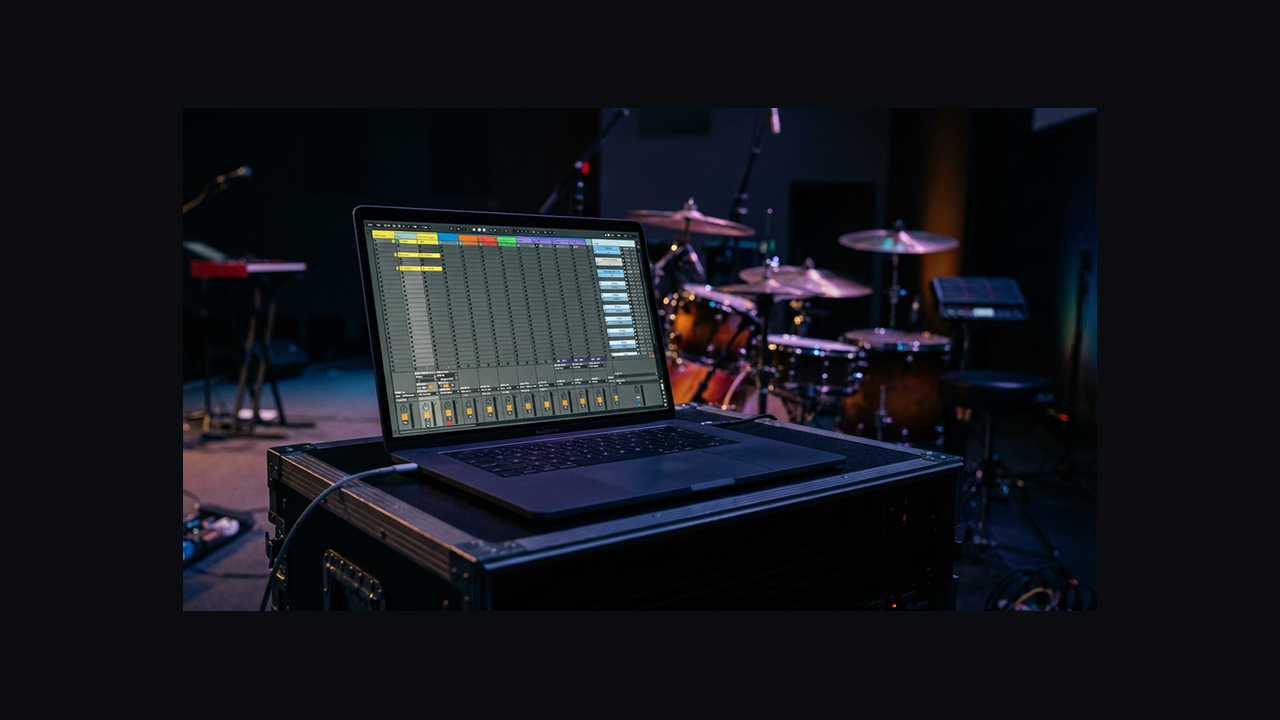
Getting started with multitracks at church can feel overwhelming: introducing a whole new way of playing music to your band, mastering all the tech that comes with it, and hoping congregants don’t question your integrity because they heard an electric guitar when there’s none on stage.
Tracks do not have to be overwhelming. In this article, we’ll walk through the 4 things you’ll need to get started using multitracks at any church, and how to implement them so you can have tracks up and running by Sunday.
<!-- VIDEO -->1) A Computer (or iPad)
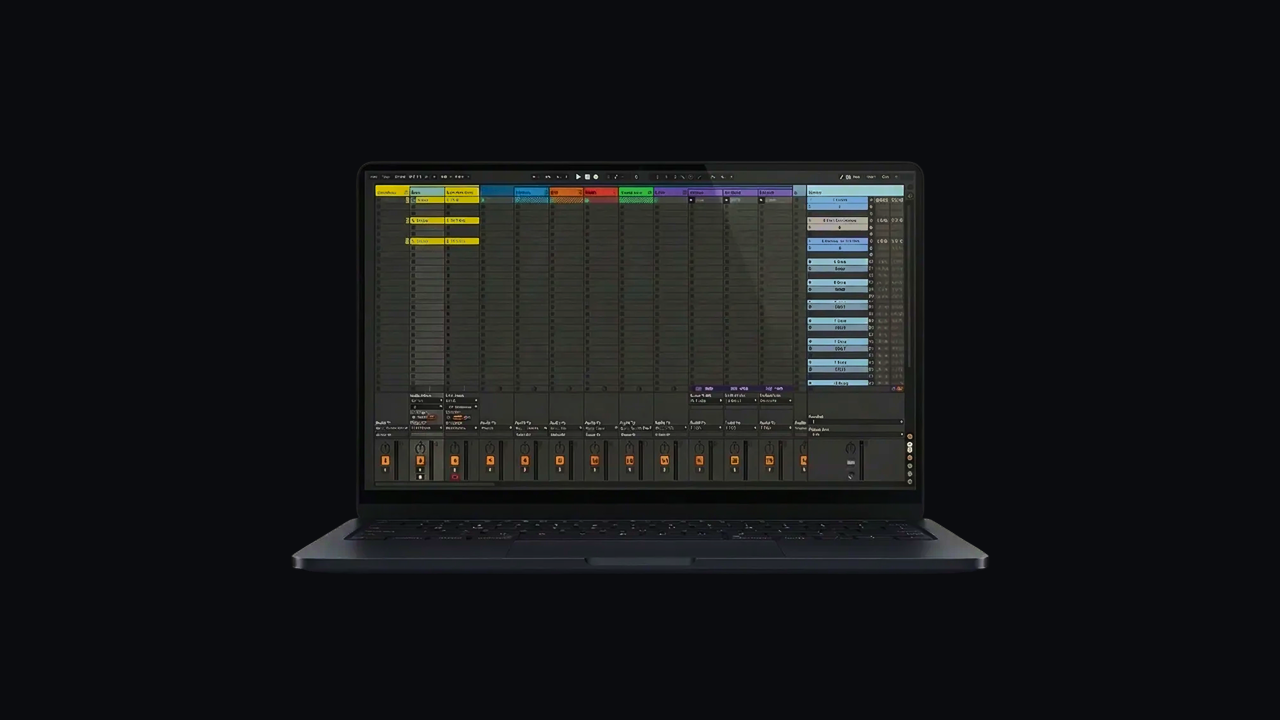
A device to play back multitracks. That’s it.
On this device, you will want software capable of playing back multitracks. Conventionally, a DAW (Digital Audio Workstation) would be used. Ableton Live is the most common one because, as the name implies, it’s designed to be used in live settings as much as it is in a music studio.
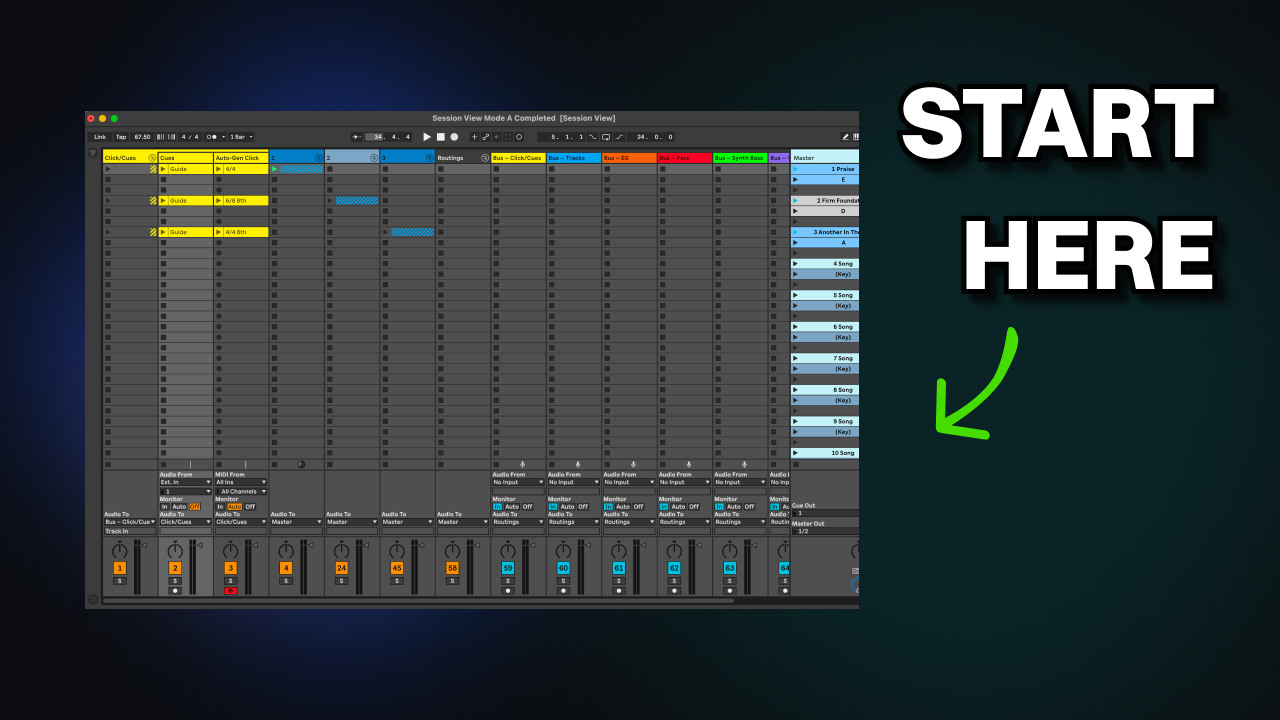
To make getting started running tracks in Ableton easier, you will want to find a template specifically designed for multitracks playback. I built a template for that exact purpose, which you can get from here.
Providers of multitracks (more on that later) have created playback software as well. Most notably, Loop Community has Prime and Multitracks has Playback. The benefits of these are that they make running tracks very easy—as simple as opening the app and selecting the songs you want in your setlist. The drawbacks are that these apps will be limited in editing and setup versatility compared to Ableton, and you will be locked into that provider’s multitracks ecosystem for the most part.
If you are on a budget and want to introduce multitracks quickly to your team, Prime and Playback are great options.
If you want a tool that will scale with your team and be versatile to meet any of your needs, Ableton Live will be well worth the investment and learning curve.
2) A Way to Get Audio to the Soundboard
There are three good ways to do this, in order from least technical to most.
Aux (3.5 mm) to L/R split cable + DI Box
This one can be accomplished for under $50. Plug the cable into your device, send click/cues down one channel and tracks down the other. Plug into a stereo DI box, and send it to the soundboard over two XLR cables.
Audio Interface
An audio interface will connect to your device over USB. You can buy one with as few as 2 output channels and route the same way you would with an aux cable, or get more outputs to split up the tracks a little bit better.
The benefit is these typically have more volume, sometimes support XLR out and therefore won’t need a DI box, and are generally more reliable than just an aux cable. Common options include Focusrite Scarlett or Universal Audio Apollo.
Dante
Dante is a network audio solution. It allows you to connect a computer into the system over a CAT5 cable and provides nearly endless possibilities in terms of routing audio virtually. However, it is costly and technical to set up if your church does not have it yet.
If your goal is getting tracks up and running this weekend, skip Dante; if your goal is a professional makeover of your audio system, Dante is a route to seriously consider.
3) In-Ear Monitors
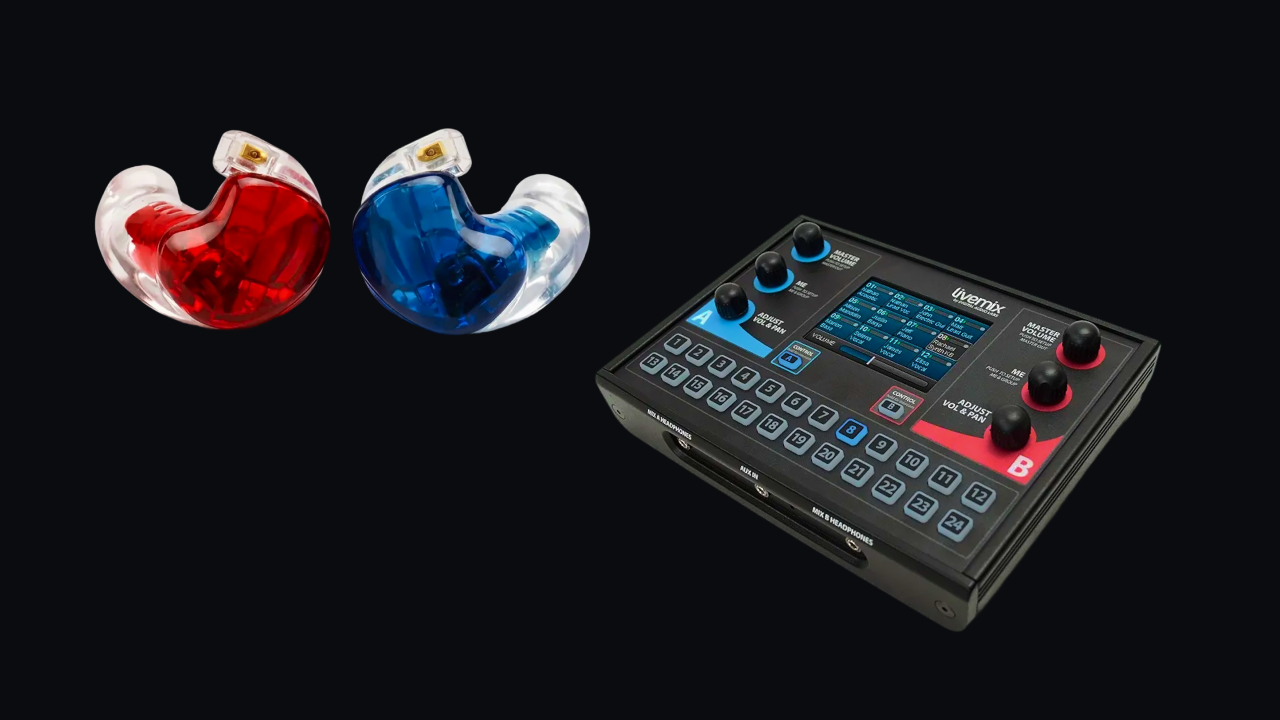
To play along with multitracks, a band must have in-ear monitors. In-ear monitors are essentially high-isolation earbuds that allow the band to hear the click and cues to a song without the congregation hearing it. This includes two things: the actual in-ear monitors, and the system to send audio to them.
While larger churches or touring bands typically have custom-fitted in-ear monitors from the likes of Alclair, 64 Audio, or UE, it’s possible to fit an entire band out with them for under $1,000 with a pair like the Shure SE215.
Then you will need an in-ear monitor system. The most common route is to use individual in-ear monitor mixing boxes such as the Livemix CS or Allen & Heath ME-500. These pair very well with a Dante setup and allow each person in your band to dial in their own in-ear mix.
Other options include using a multi-channel headphone amplifier, where you would need cables long enough to run to each band member from that amplifier.
You can also use a wireless system, allowing each band member to have a wireless pack playing back a mix from the soundboard. This can work hand-in-hand with the in-ear monitor boxes, allowing vocalists to wear wireless packs and the band to control their mixes right from their positions on stage.
4) A Multitracks Provider
Lastly, you’ll need the actual tracks you’ll use to play back in your church. Assuming you don’t want to record every part for each song yourself, you can purchase multitracks from providers such as Loop Community or Multitracks.
This will allow you to use tracks that match the original song and choose which parts to leave in and which parts to leave out depending on your band and goals for worship at your church.
Outro
Multitracks have the power to level up your band’s sound during worship dramatically, and help the team stay together and stay confident during the song. This article demonstrated the 4 pieces that you need to get tracks up and running, with options for any budget and technical level.
If you’ve chosen Ableton to run multitracks, but don’t want to deal with the learning curve or extra setup time compared to using playback apps, that’s exactly why I built TracksBuilder. TracksBuilder automates building a multitracks session from the ground up. It has customizable settings and recognizes template formats, meaning it will integrate with your setup and build according to your team’s needs. It also integrates with Planning Center to ensure your session automatically matches the plan for the weekend. You can try TracksBuilder for free using the link below.